Personalize your .urban experience
9 April 2026 · Andrei de la Urban
.urban gives you total control over the information you receive. We don’t bombard you with useless notifications; you choose what, where, and how you want to see it. Here is how you can configure the app to become your perfect urban assistant:
1. Define your area of interest (Radius)
You don't need to know everything happening 50km away if you only care about your neighborhood.
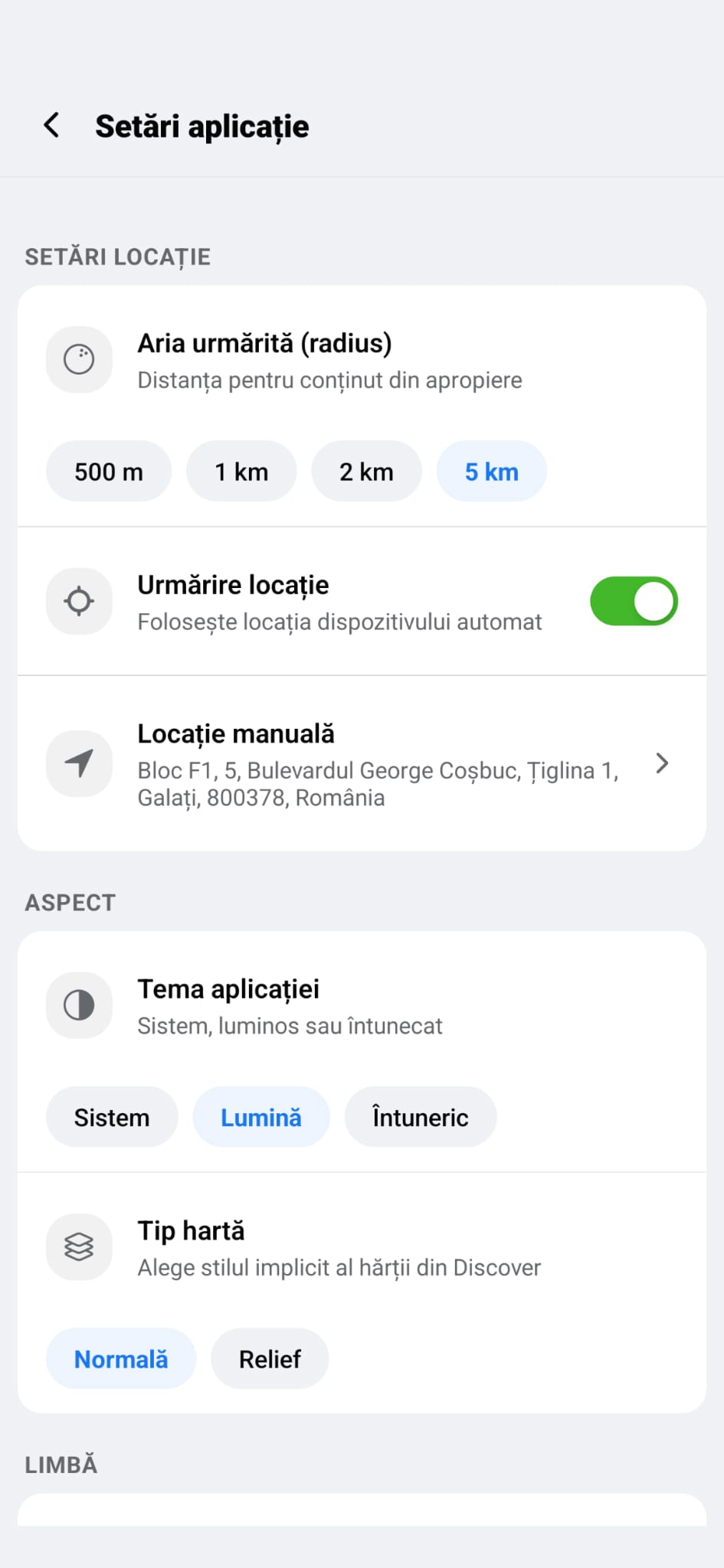
Followed Area: In settings, choose your action radius: 500m for immediate proximity or up to 5km for a broader city view.
Manual Location: Want to see what's happening near your kids' school or your office? Set a manual location and explore that area without being physically there.
2. Filter the content that matters
Your map and feed can be as specific as you want.
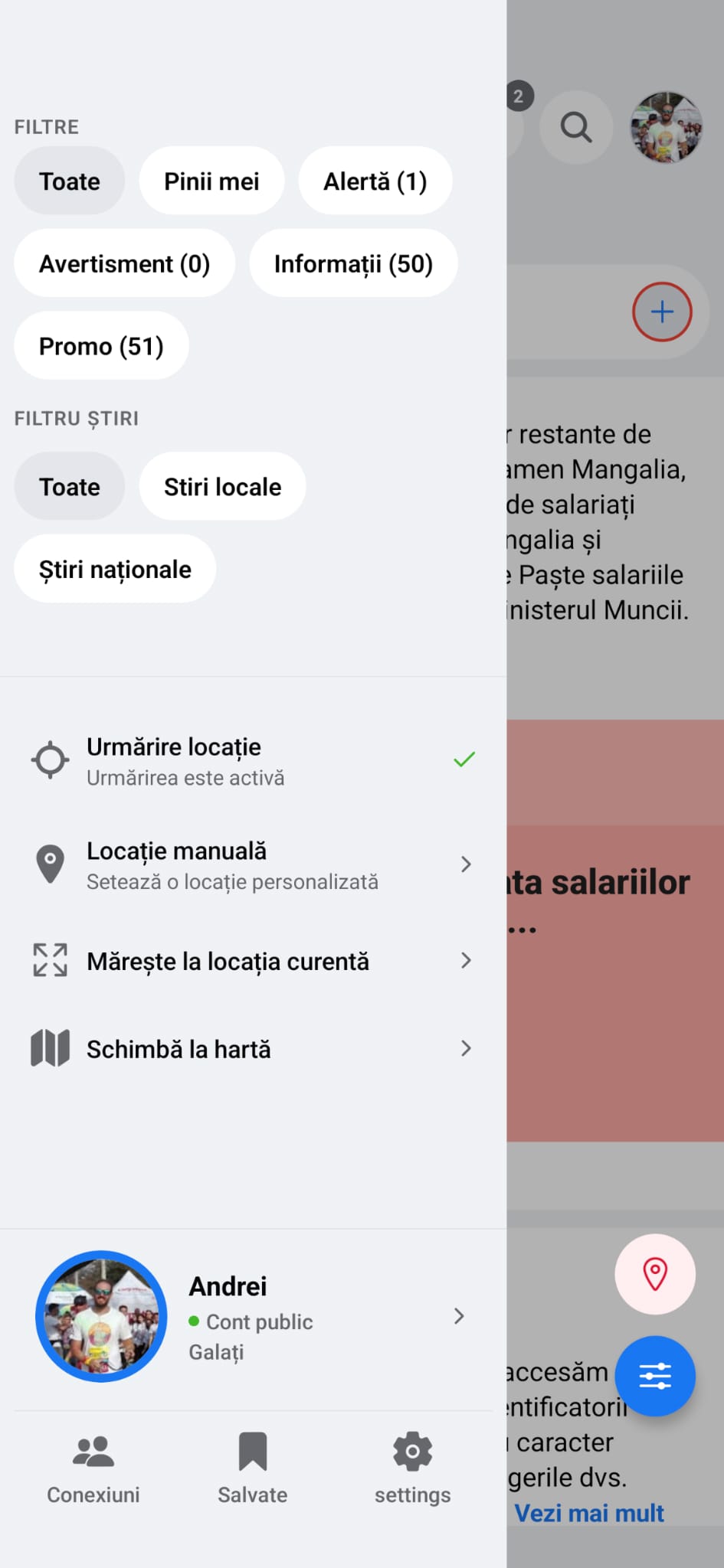
Pin Types: Use quick filters to see only Alerts, Promos, or Information.
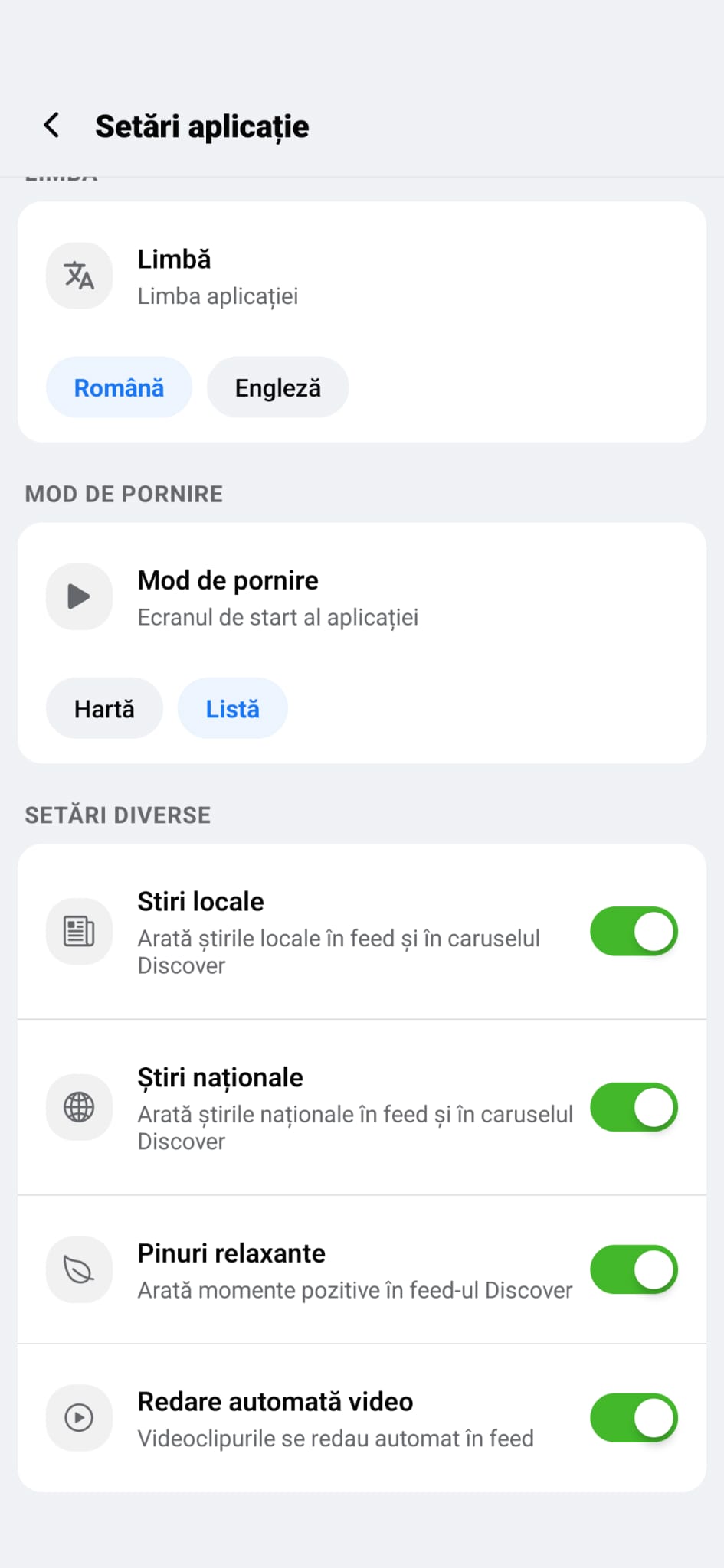
Local vs. National News: Toggle news feeds on or off depending on how "noisy" you want your feed to be.
Relaxing Pins: Need a break from alerts? Enable "Relaxing Pins" to see only positive moments from the community.
3. Adjust Appearance and Navigation
Startup Mode: Do you prefer to see the Map immediately when opening the app, or do you prefer a social-media style Feed (List)? You choose the start screen.
Visual Theme: Set the appearance to Light, Dark, or let the app follow your System settings.
Map Type: Switch between Normal and Relief maps for better spatial orientation.
4. Privacy and Control
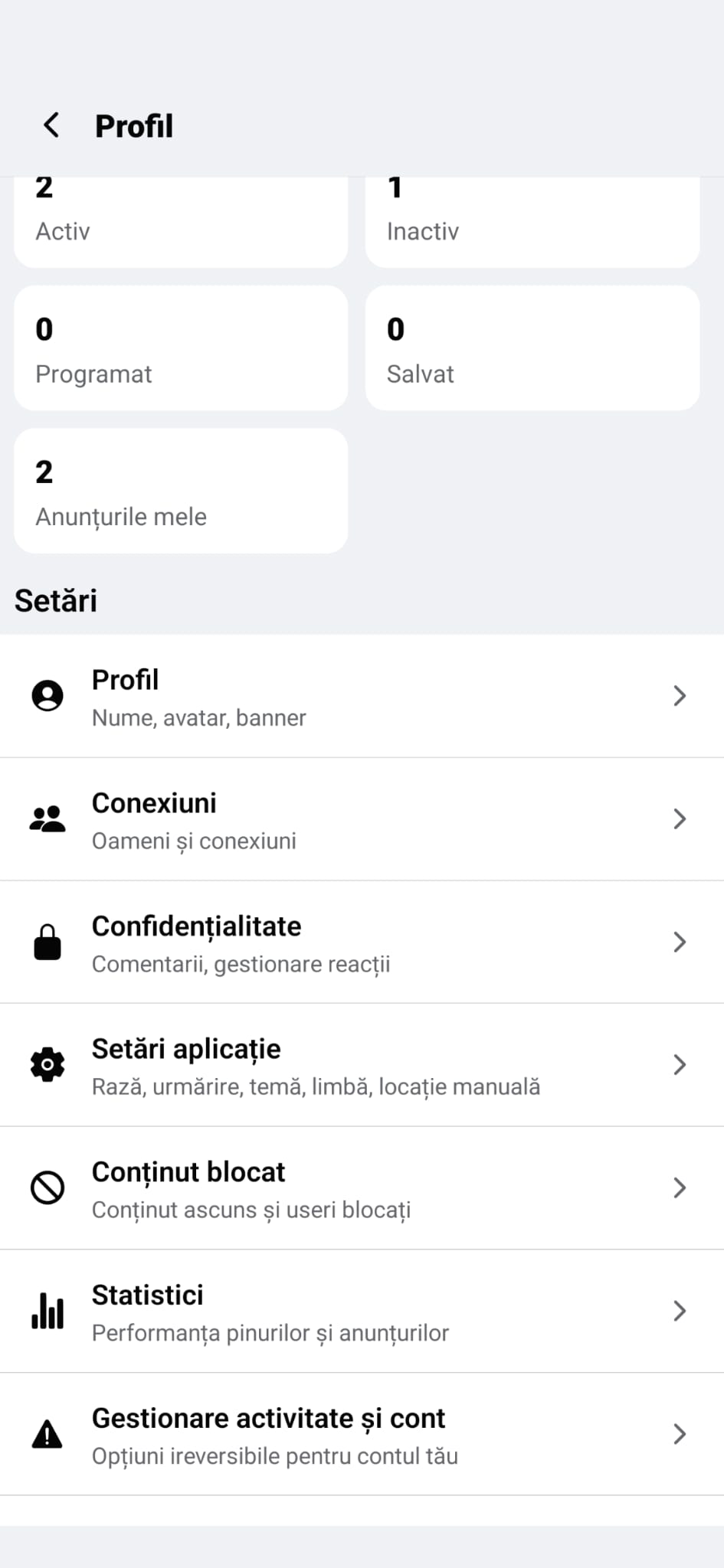
Blocked Content: You decide who you interact with. You can block users or content sources that you find irrelevant.
Statistics: Track the performance of your pins and see how much you’ve helped the community.